How to Cancel Your Nousimon Subscription
Hello 👋
We’re sorry to hear that you want to cancel your subscription, but it’s your choice, and we respect it. Below is a simple guide to walk you through the cancellation. It only takes a few clicks.
Thank you for your support, and stay curious.
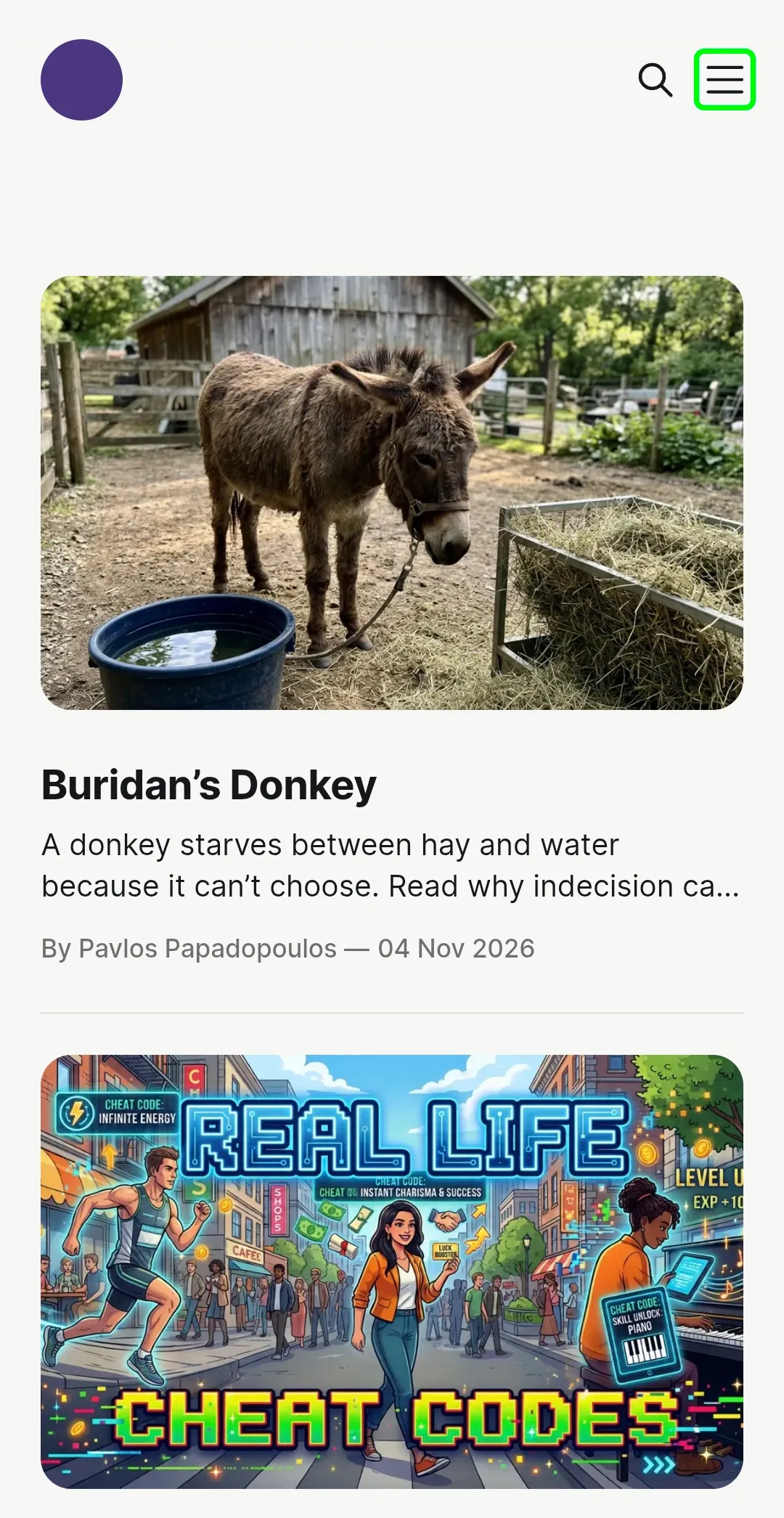
1: Click the menu icon (☰) in the top right-hand corner of the screen.
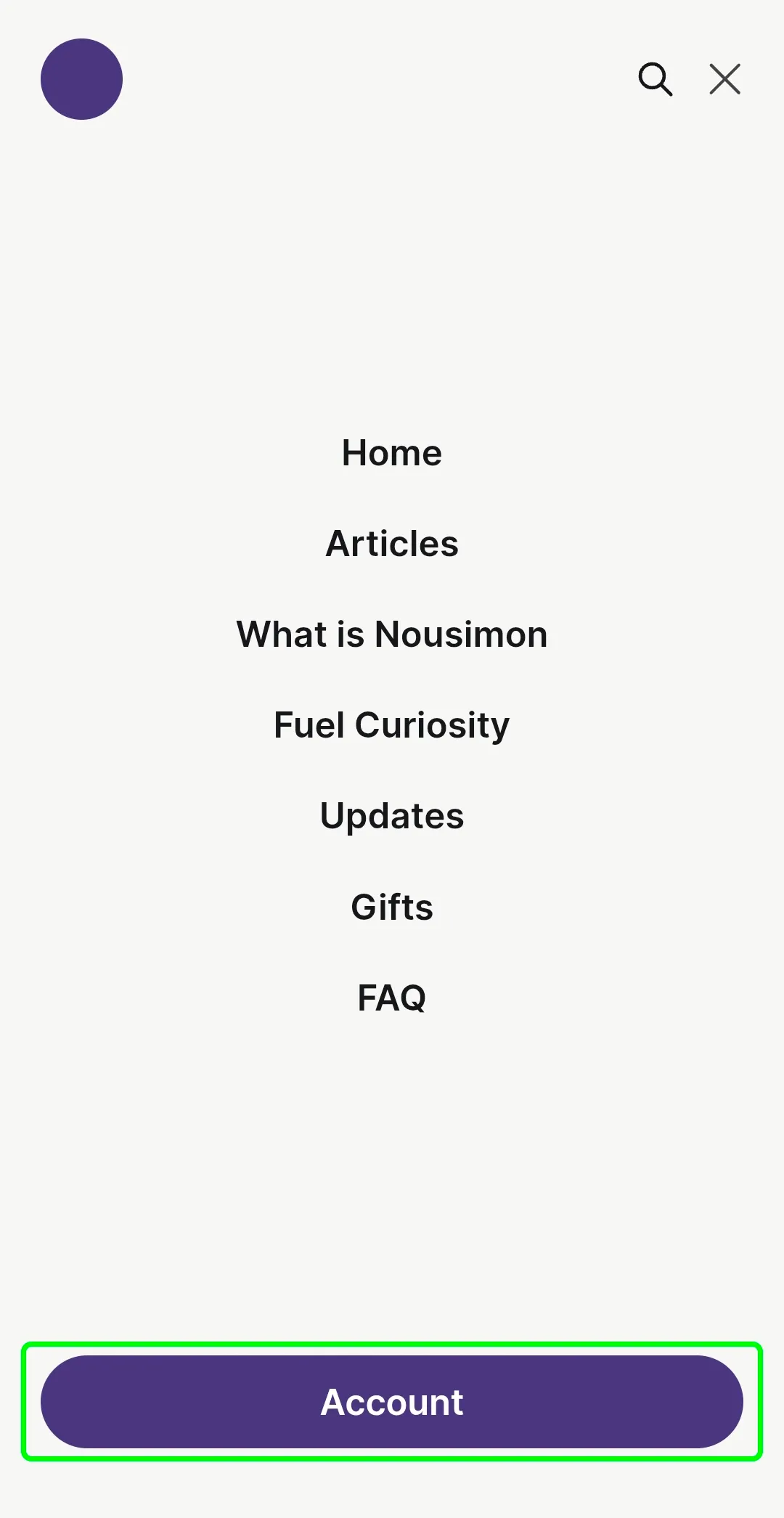
2: Click the Account button at the bottom of the screen.
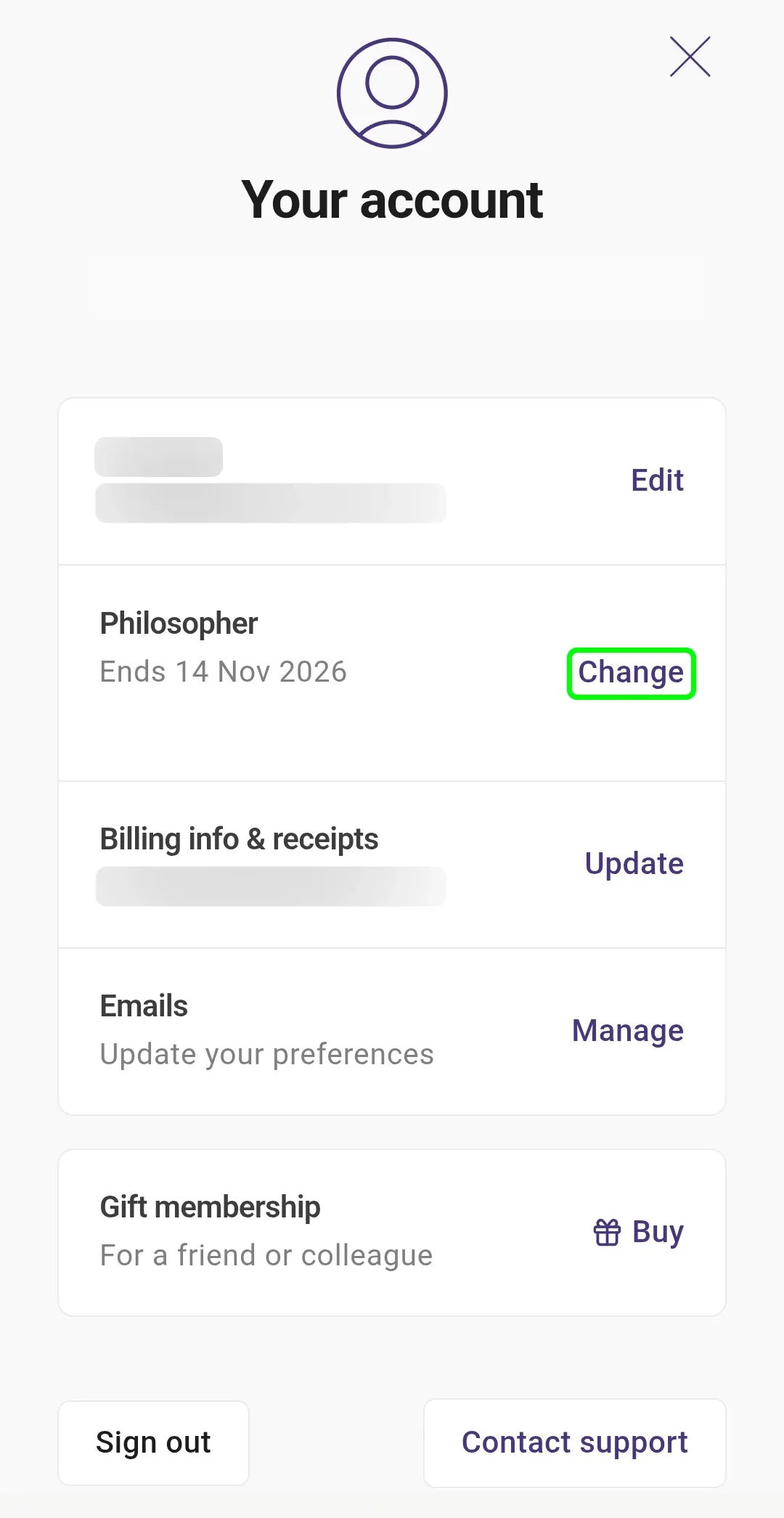
3: Click the Change button.
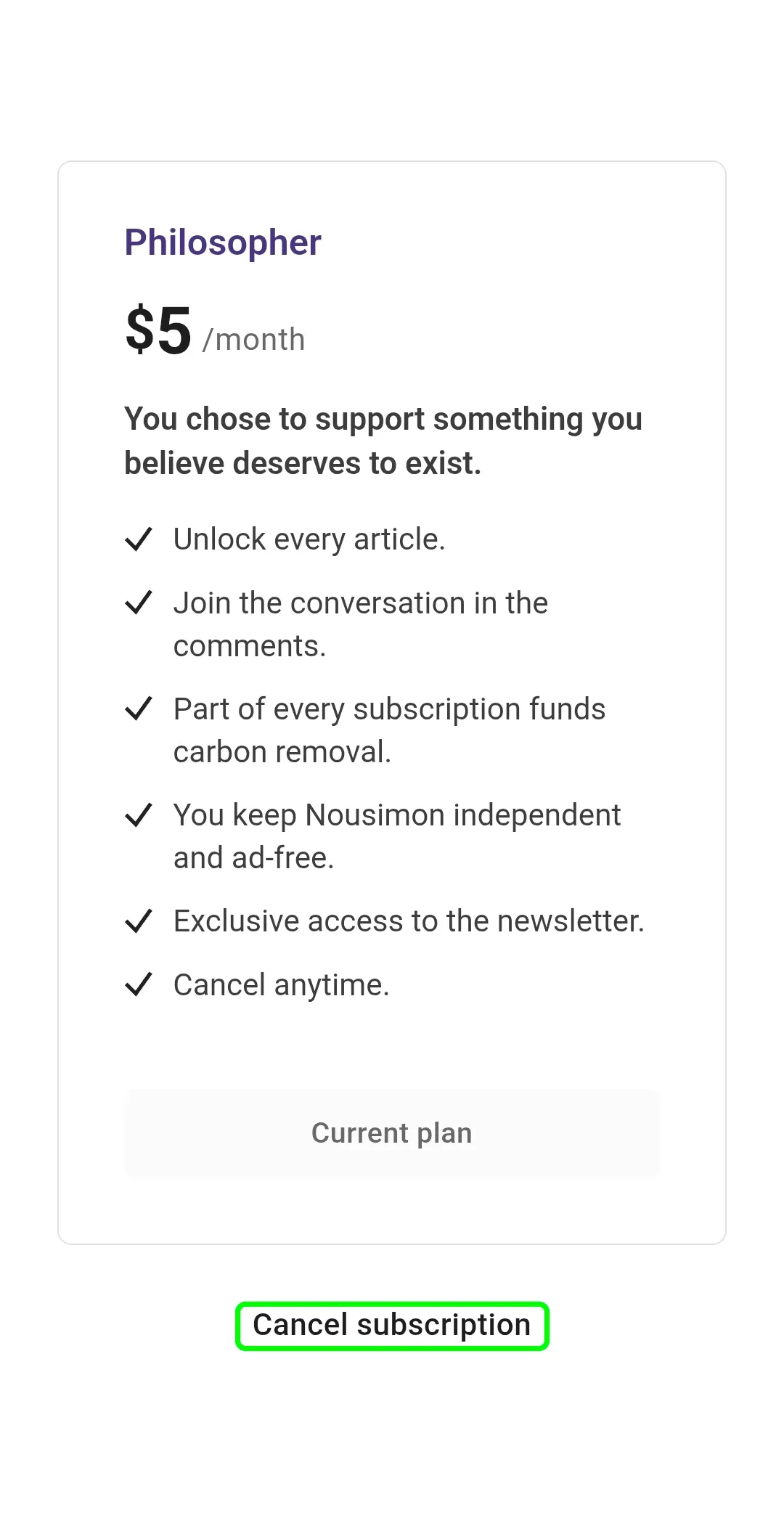
4: Find your subscription and click the Cancel Subscription button.
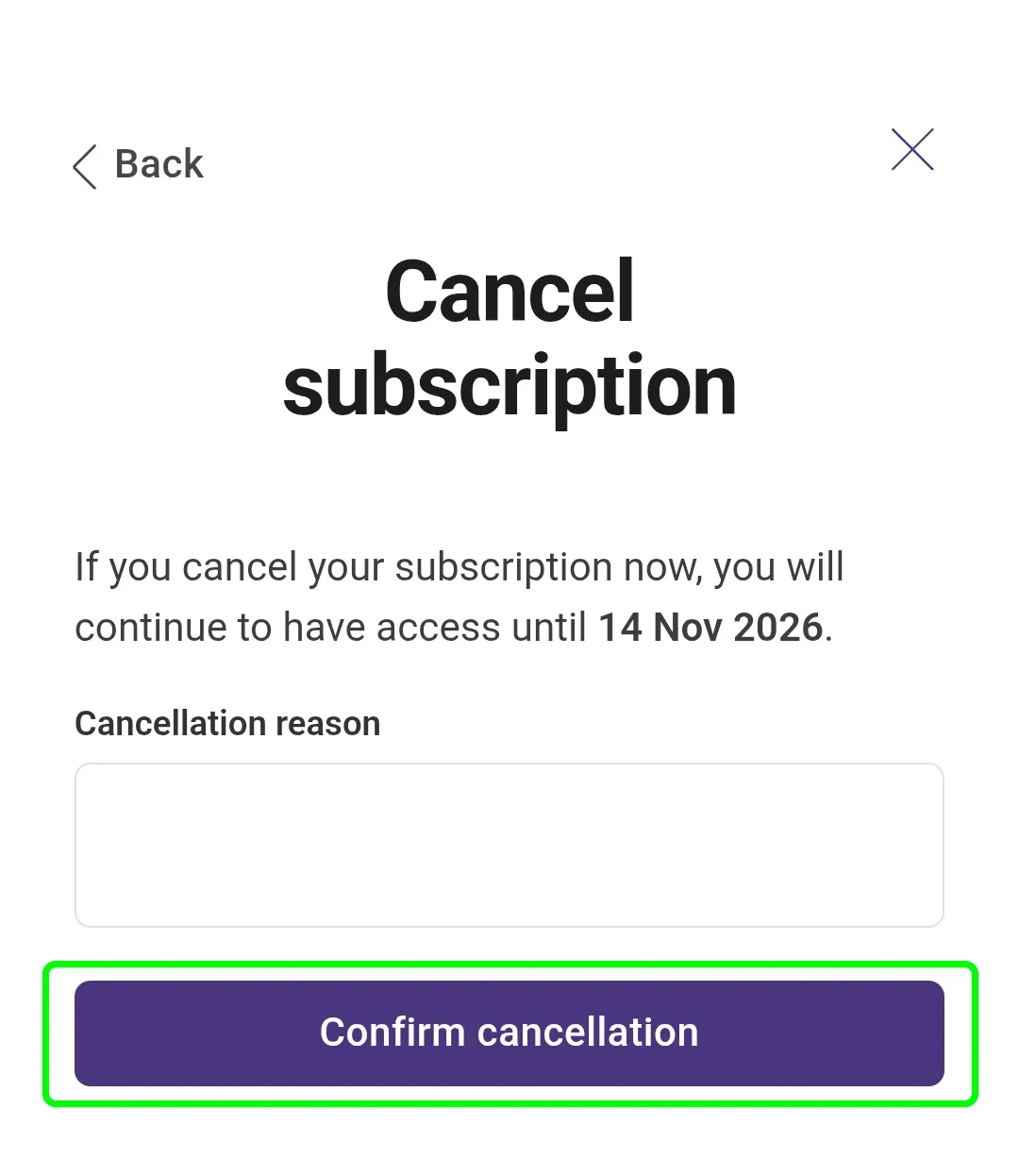
5.1 (Optional) Enter your reason for cancelling.
5.2 Click the Confirm Cancellation button.